Record iPhone meetings privately: the on-device way
A practical guide to recording, transcribing, and summarizing iPhone meetings without a single byte of audio leaving your device.
Published April 13, 2026 · 10 min read
A practical guide to recording, transcribing, and summarizing iPhone meetings without a single byte of audio leaving your device.
Most people who rely on meeting notes do not think about where their audio goes. They hit record in an app, let it transcribe, and move on. The default stack for every mainstream transcription service is the same: the app sends your audio to a vendor's servers, a hosted model produces a transcript, and the file sits in that vendor's storage for some period of time — usually until you manually delete it, sometimes longer, sometimes forever.
That default is fine for a coffee catch-up. For a contract negotiation, a candidate interview, a medical conversation, a board discussion, a performance review, or anything else you would not publish, the default is the wrong starting point. You have deliberately chosen to hand a confidential recording to a company you did not vet, have no relationship with, and cannot audit. The transcription is useful. The data trail is a liability that lives on someone else's hardware.
There is another way. Modern iPhones can record a meeting, transcribe it, and summarize it without a single byte leaving the device. This post is a practical guide to doing that in a professional workflow, and what you give up — if anything — in exchange for keeping your meetings local.
When you record a meeting in a cloud-based transcription app, the pipeline has four moving parts. First, your phone uploads the raw audio — or streams it in real time — to the vendor's servers. Second, the vendor's infrastructure processes that audio, routing it through a hosted speech-to-text model and, for summaries, a hosted large language model. Third, the vendor stores the transcript, the summary, and usually the original audio file in databases they own. Fourth, the result is sent back to your phone. Every stage of that pipeline is a potential data exposure: the network transport, the third-party processing model, the storage layer, the vendor's employee access policies, and any subprocessors the vendor signs in the background. On-device processing collapses all four stages into one. The audio is captured, transcribed, and summarized in the same sandbox that captured it, and never reaches the network.
Apple ships two frameworks on iOS 26 and later that, together, replace the entire cloud pipeline.
Apple SpeechAnalyzer is the native on-device speech recognition API. It runs on the Neural Engine, the AI processor built into recent iPhones, and produces a transcript from an audio file without any network call. It supports a broad and expanding set of languages — the current list is part of Apple's Speech framework developer documentation and grows with each OS release. Neither the user nor the developer has to download a model; the speech models ship as part of the operating system.
Apple Intelligence — Apple's branded on-device model stack — handles the second half: producing summaries, action items, meeting minutes, follow-up emails, and other structured outputs from a raw transcript. Like SpeechAnalyzer, it runs entirely on-device. The iPhone models that support Apple Intelligence are listed on Apple's Apple Intelligence page, and the supported-device list is the operative requirement.
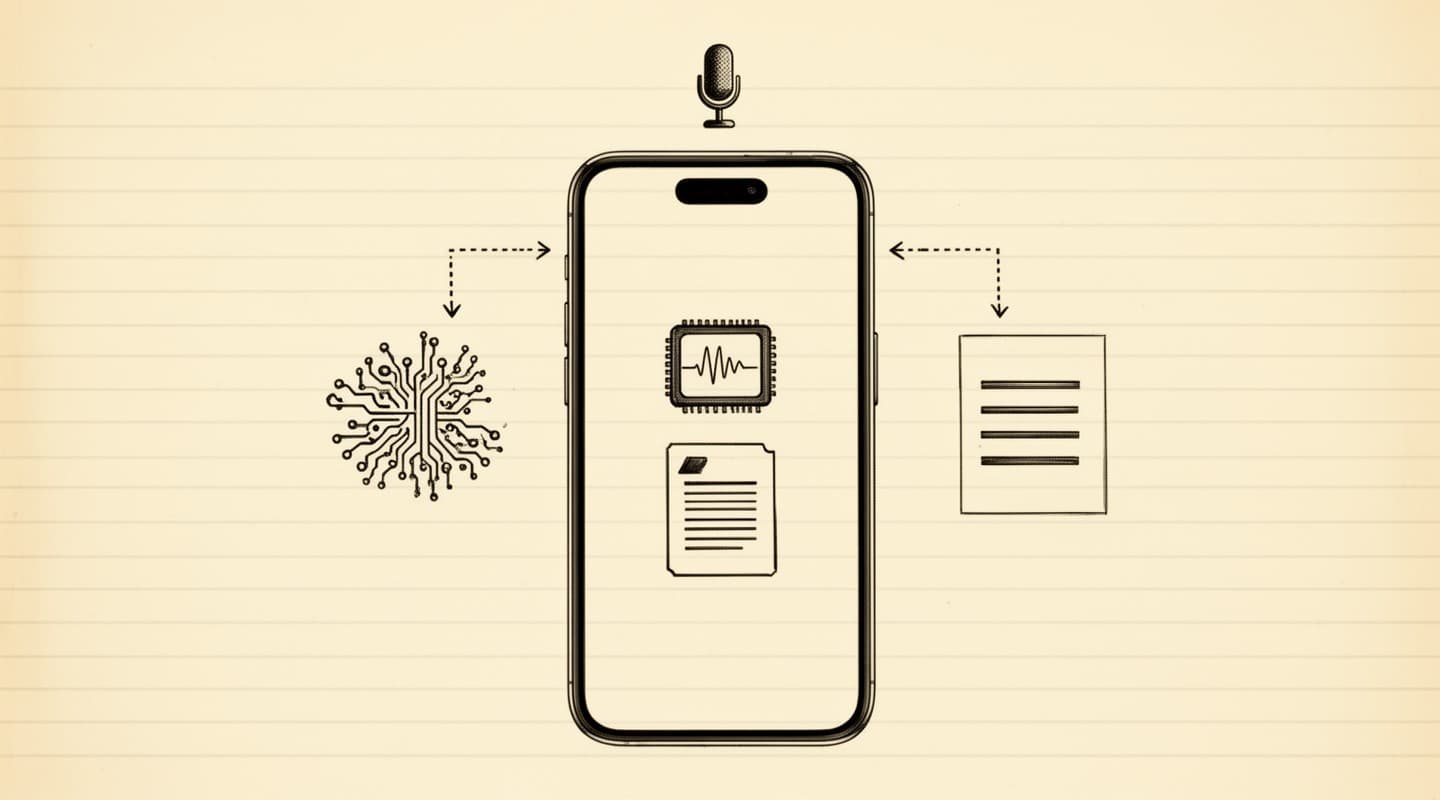
Until recently, running speech-to-text on a laptop was possible — OpenAI's open-weight Whisper models demonstrated that — but running a large language model on a phone to summarize a long meeting in reasonable time was not. The Neural Engine's memory budget and the system-level integration of Foundation Models is what closed that gap. As of iOS 26, transcribing and summarizing a one-hour meeting no longer requires a round trip to a data center.
The hard requirements are short:
The last point is the one worth thinking about carefully. Many apps in the App Store are marketed as "meeting recorders" or "AI transcribers" and still route audio through their own backends even on Apple Intelligence-capable devices. Apple does not mandate on-device processing for third-party apps — the developer makes that architectural choice. You can download a Neural Engine-capable iPhone and still end up with a privacy posture no different from a web browser, because the app uploads your audio anyway.
Meeting Summarizer is built exclusively around SpeechAnalyzer and Apple Intelligence. It has no backend, no account system, and no code path that transmits your audio, transcripts, or summaries over the network. A full description of the data handling — including the one exception for optional in-app purchase receipts — lives on the privacy page.
One practical note on storage: audio files take more disk than the transcripts and summaries produced from them. A one-hour meeting at 16 kHz mono 16-bit WAV is roughly 110 megabytes of audio (16,000 samples per second × 2 bytes × 3,600 seconds), versus a few kilobytes of text. If you keep every recording indefinitely and never delete, you will eventually notice it in your iPhone's storage settings. The auto-delete-after-transcription option described later is the simplest way to keep the on-device footprint small without losing the searchable text output. On-device processing also draws more battery during the summarization step than a cloud round-trip would — a minute or two for longer meetings on current hardware — because the work is happening on your phone instead of on a datacenter GPU. This is the honest trade of the architecture.
A private meeting recording, from the user's perspective, looks almost identical to a cloud one. The difference is in what happens underneath.
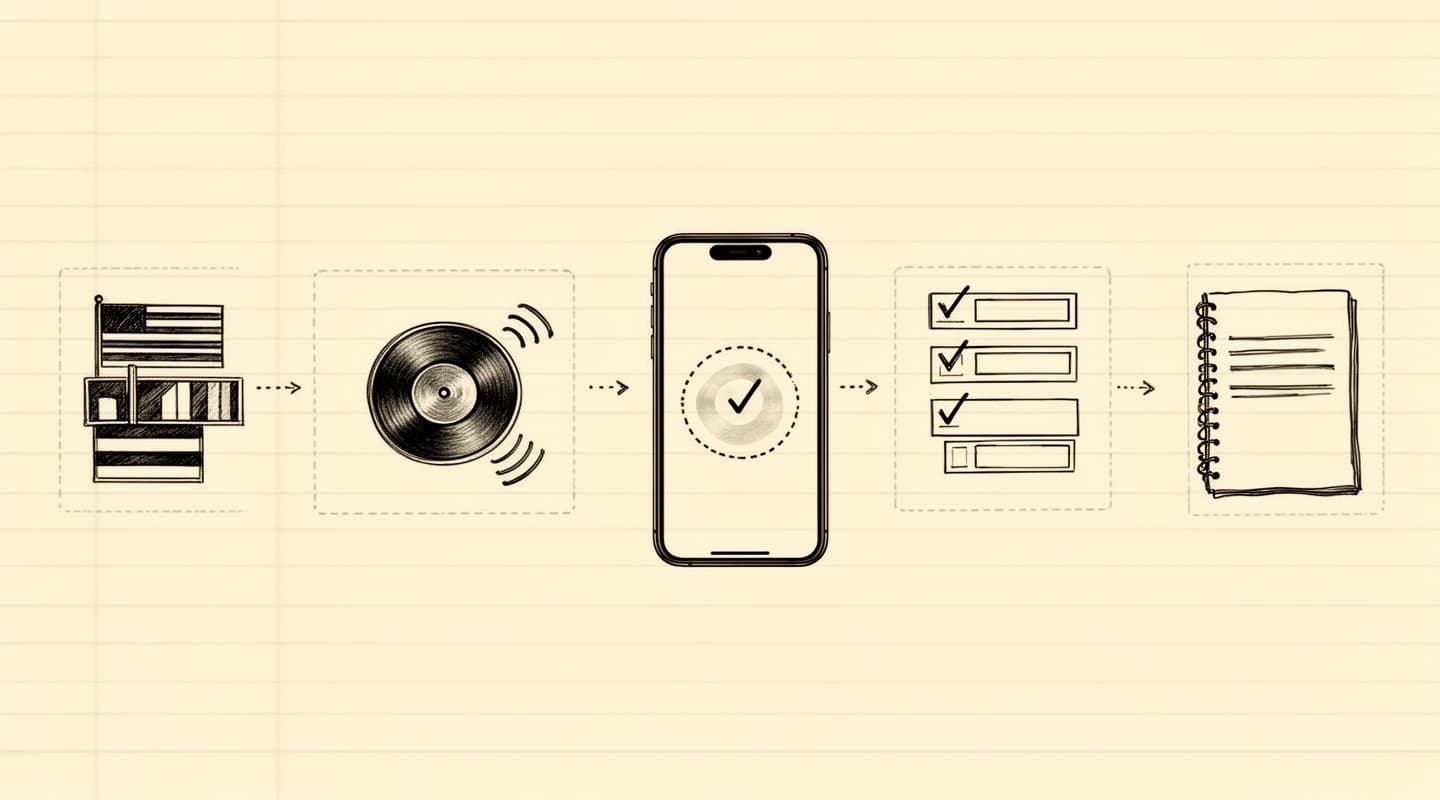
Every step of that flow is a local computation. You can review the architecture in more detail on the how it works page.
Cloud transcription services typically retain your audio files for a period of time. Thirty, sixty, or ninety days is common. Some vendors retain indefinitely unless you manually delete, and some reserve the right to use your audio to train their models unless you opt out in a setting most users never open.
On-device apps have a different retention model: the audio sits in the app's sandboxed storage, on your phone. Meeting Summarizer offers an auto-delete option that removes the audio file as soon as transcription completes, leaving only the transcript and summary on disk. When the app deletes a file, it first overwrites the bytes with random data — a technique that makes forensic recovery substantially harder — and then unlinks the file from the filesystem. This is a practical belt-and-braces measure rather than a formal secure-erase certification; its main purpose is to defeat simple file-recovery tools, not nation-state adversaries.
Even without auto-delete, the audio never leaves the phone. Deleting a recording manually from the history screen runs the same overwrite step.
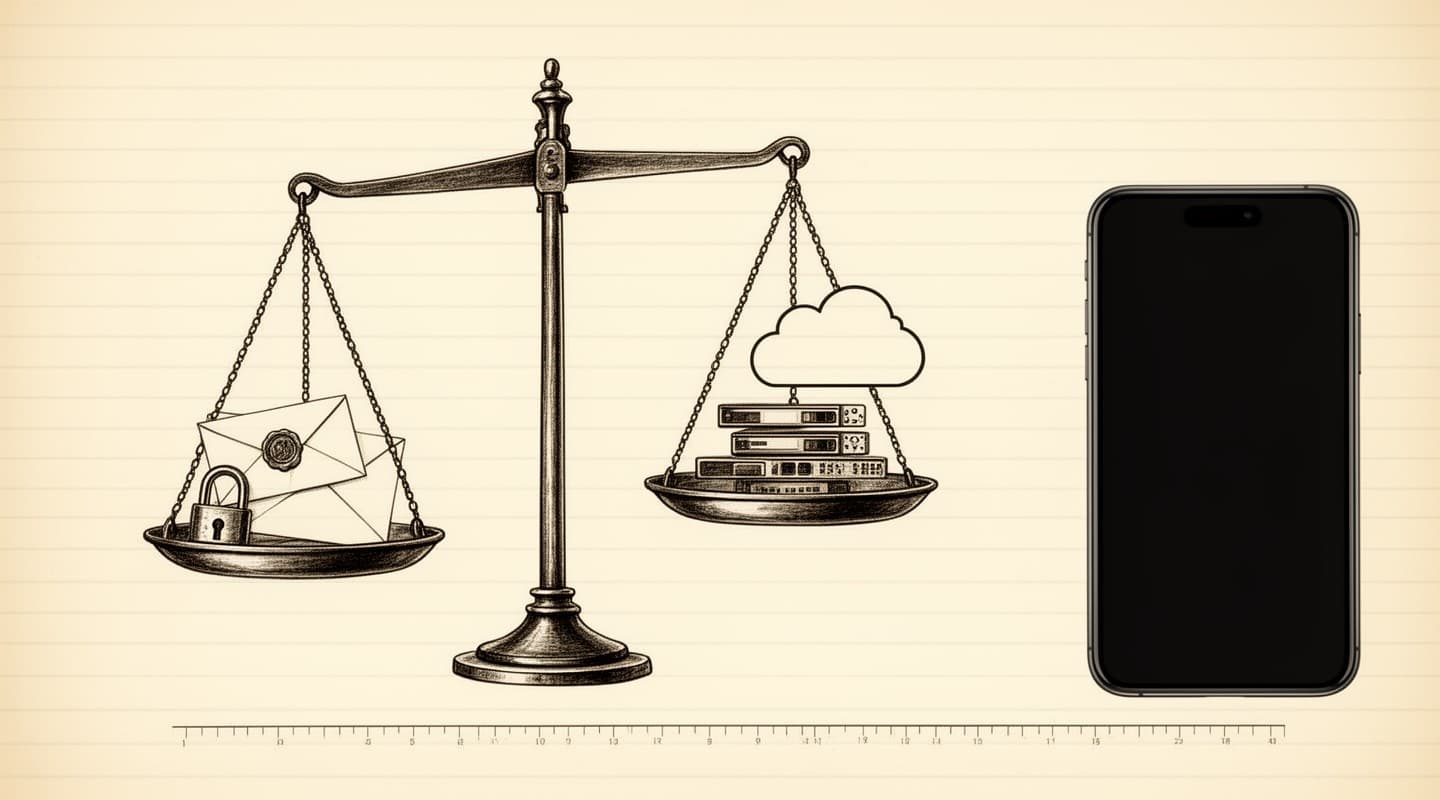
On-device is the right choice when:
It's probably not the right choice when:
For conversations that would be a liability if they leaked, the on-device approach is architecturally different from "cloud but with extra privacy promises." It is not a stronger version of cloud transcription; it is a different category. The data never leaves the device, which means there is nothing to leak, nothing to subpoena from a vendor, and nothing to monetize in a future business model change.
If you are weighing the shift, the follow-up post Apple Intelligence vs cloud AI for meeting notes walks through the architectural differences in more depth, and the compliance-focused piece on meeting recording and data breaches covers the regulatory angle for teams that need to think about it formally.